
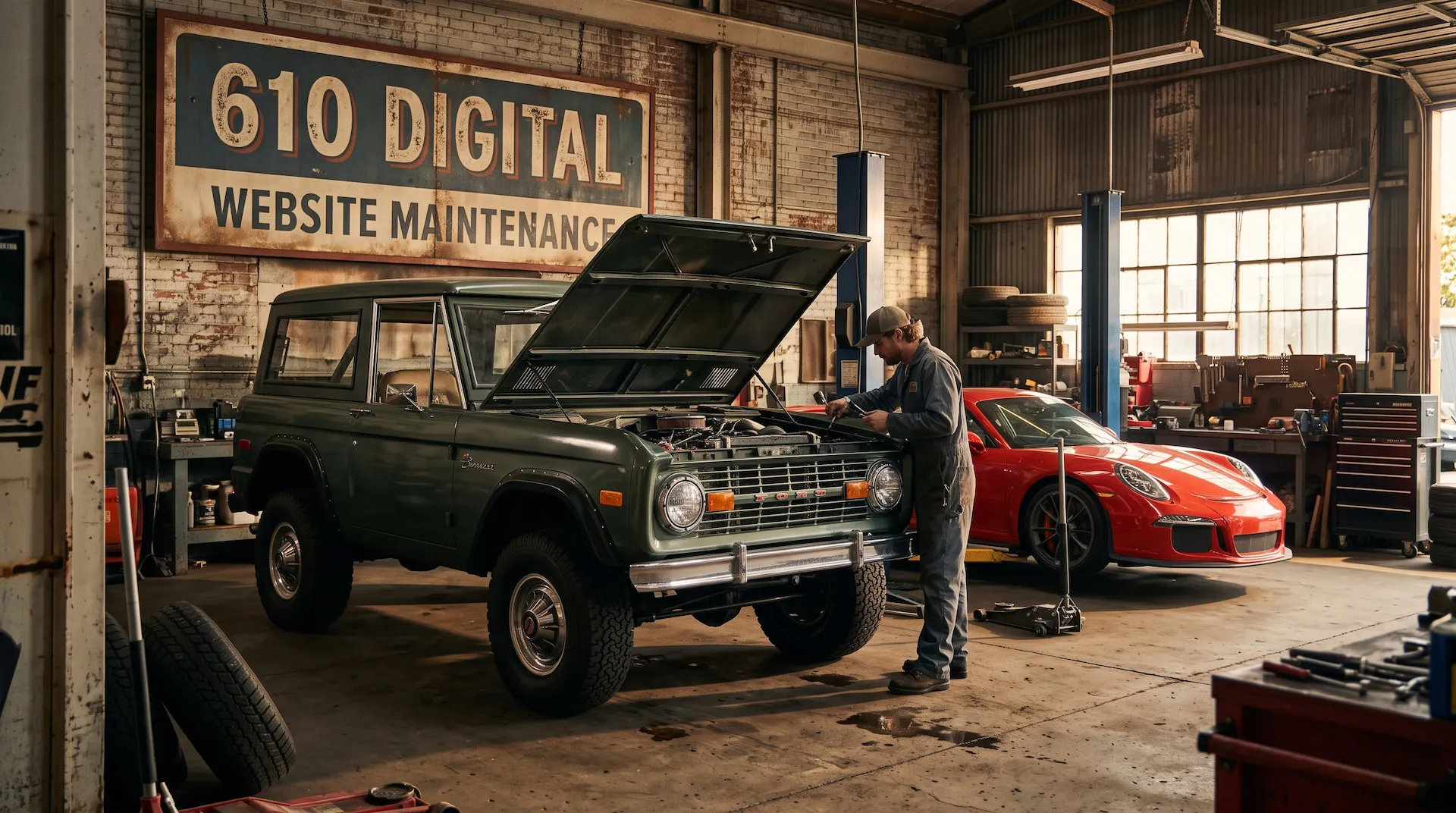
Driving a brand new car off the lot feels amazing until you realize you still need oil changes, tire rotations, and scheduled tune-ups to keep it running.
Many businesses make a similar mistake online. They spend thousands on a site, launch it with excitement, and let it sit untouched for three years until an error screen appears. Your website is not a static digital billboard. It is an engine that powers your customer pipeline, and to keep it reliable, you need a proper service schedule.
The Short Version
- Treat website updates like vehicle maintenance by following the “5,000 miles or 6 months” rule
- High-traffic sites reach milestones quickly and demand monthly refreshes to keep content and inventory current.
- Low-traffic sites hit the time limit first, making a quarterly review ideal to ensure basic info stays accurate.
- Matching your updates to your traffic volume ensures active sites stay fresh without wasting time over-servicing slow ones.
1. What Are You Driving? Matching Platform to Maintenance
Mechanics will tell you that different vehicles require entirely different maintenance schedules. The platform your website is built on determines how much time you will spend under the hood.
The Leased EV (SaaS: Squarespace, Wix, Shopify) These platforms feature dealer-managed maintenance. Security and backend updates happen automatically behind the scenes. Your only job is to handle content and aesthetics. The trade-off is that you cannot swap out the engine or customize the core mechanics.
The Classic 4x4 (WordPress) WordPress offers endless horsepower and aftermarket accessories (plugins). However, it requires regular manual greasing, plugin checks, and security sweeps to prevent breakdowns. It delivers high performance but demands a dedicated owner.
The Stripped-Down Track Car (Static: Astro) Modern static sites are ultra-fast and feature zero engine bloat. They carry minimal breakdown risk and are practically unhackable. But to change anything structural under the hood, you need an experienced mechanic rather than an everyday driver.
At 610 Digital, we serve as your digital pit crew. While we can certainly check the tire pressure and update content on a leased Squarespace or Wix site, our specialty is getting under the hood of custom web development projects like WordPress and Astro. We prefer working on vehicles built for high performance and custom growth.
2. The Golden Rule: Usage vs. Time (Miles vs. Months)
Mechanics recommend servicing your vehicle based on whichever comes first: mileage (usage) or calendar time (age). Websites follow the exact same logic.
The Highway Cruiser (High-Traffic Sites: 2,000 to 15,000+ monthly visits) You hit the mileage limit fast. Outdated information hurts more people every single day. For these sites, we recommend monthly checks on contact forms, new blog posts, product stock, and event turnover.
The Sunday Driver (Local/Boutique Sites: low weekly volume) You hit the calendar limit long before you rack up mileage. For lower traffic volumes, we recommend quarterly (every 90 days) inspections. This ensures your operating hours, pricing, and services stay current so prospective clients are never greeted by an abandoned storefront.
3. What is Under the Hood? The Maintenance Checklist
When it is time for a tune-up, here is exactly what needs to be checked.
The Oil Change (Content Hygiene) Nothing looks worse than a homepage banner promoting a seminar or seasonal sale that ended three months ago. Removing “ghost events” is a top priority. Routine updates also include adjusting seasonal hours, revising pricing sheets, and adding fresh articles to keep search engines interested.
Tire Pressure & Mechanical Checks (Technical Health) This is all about preventative mechanics. You need to test contact forms and checkout flows to verify leads are actually reaching your inbox. It also involves updating plugins, verifying SSL certificates, and scanning site load speeds.
The Wash and Detail (UX & Visuals) Keeping the paint clean means reviewing mobile responsiveness on newer screen sizes and cleaning up cluttered navigation menus so visitors can find what they need instantly.

4. Don’t Wait for the “Check Engine” Light
Waiting until a client calls to say your checkout form is broken is the digital equivalent of waiting for smoke to billow out from under your hood on the highway.
Fixing a crashed site or broken payment gateway during peak business hours costs significantly more than routine maintenance. Worse is the silent business killer: visitors who leave quietly after encountering a broken link or an outdated promotion without ever telling you.
5. The 10-Minute Walk-Around
You do not need a technology degree to do a basic vehicle inspection. You can do a 10-minute walk-around of your website right now.
- Submit a test message through your own contact form to confirm leads are actually reaching your inbox.
- Check the copyright year in your website footer to make sure it is current.
- Click through your main navigation links and delete any expired event banners or old holiday promotions.
- Open your site on a phone and make sure buttons and menus are easy to tap, not just readable.
- Run your homepage through a quick speed check (like Google PageSpeed Insights) to catch any new slowdowns.
Keep Your Engine Running
To summarize the maintenance mindset:
- Know what kind of platform you are driving and what maintenance it requires.
- Base your update schedule on traffic (miles) or time (months).
- Do not let outdated “ghost events” ruin your credibility.
- Perform regular walk-arounds to catch broken parts before your customers do.
If you would rather just turn the key and drive without worrying about plugin conflicts or broken forms, 610 Digital is here to help. We offer dedicated web hosting and care plans designed to keep your site fast, secure, and fully optimized.
Ready to get your website running at peak performance? Contact us today to schedule a diagnostic review.